How online newspapers can manage ad inventory and publishing schedules
A practical guide for online newspaper teams that need to manage banner, native, and newsletter ad placements without losing track of dates, assets, and promises.
When an online newspaper starts selling ads, the team often focuses first on rate cards and sales decks. In day to day operations, however, the harder question is where each ad appears, when it starts, when it ends, and who is responsible for the handoff. If placements and schedules are unclear, sales teams make promises that are hard to keep, editors receive last minute replacement requests, and advertisers struggle to confirm what actually ran.
Ad inventory management does not always require a large ad server from the start. A small publication can begin by naming available placements, such as the homepage top banner, mid article banner, category page banner, or newsletter footer slot. Then the team can record booking dates, creative files, links, and replacement deadlines in one shared place.
This guide is for online newspaper owners, editors, reporters, and marketing teams that need a simple operating system for ad placements and publishing schedules. It sits before advanced campaign reporting or pricing strategy. The first goal is to make sure the publication can keep the advertising promises it already made.
Name The Placements You Can Sell
The starting point is a clear list of sellable placements. A homepage banner may mean different things to different people inside the team. One person may imagine the top desktop banner. Another may think of a mobile card between article links. If the names are not consistent, the sales material and the actual published placement can drift apart.
At first, organize placements by the reader journey. Use simple groups such as homepage, article page, category page, search results, and newsletter. For each placement, note whether it appears on desktop, mobile, or both. Add the image size, link rules, rotation rules, and replacement cadence.
Use the same placement name in internal documents and advertiser communication. If the team calls it the homepage top banner, use that phrase in the proposal, booking note, launch confirmation, and report. Small naming differences can become larger disputes when an advertiser checks the page later.
Track Inventory By Date
An ad placement is not useful to sell unless the team knows when it is available. If one homepage slot is sold to two advertisers for the same week, the publication has a trust problem. If the team cannot see empty periods, it misses revenue opportunities.
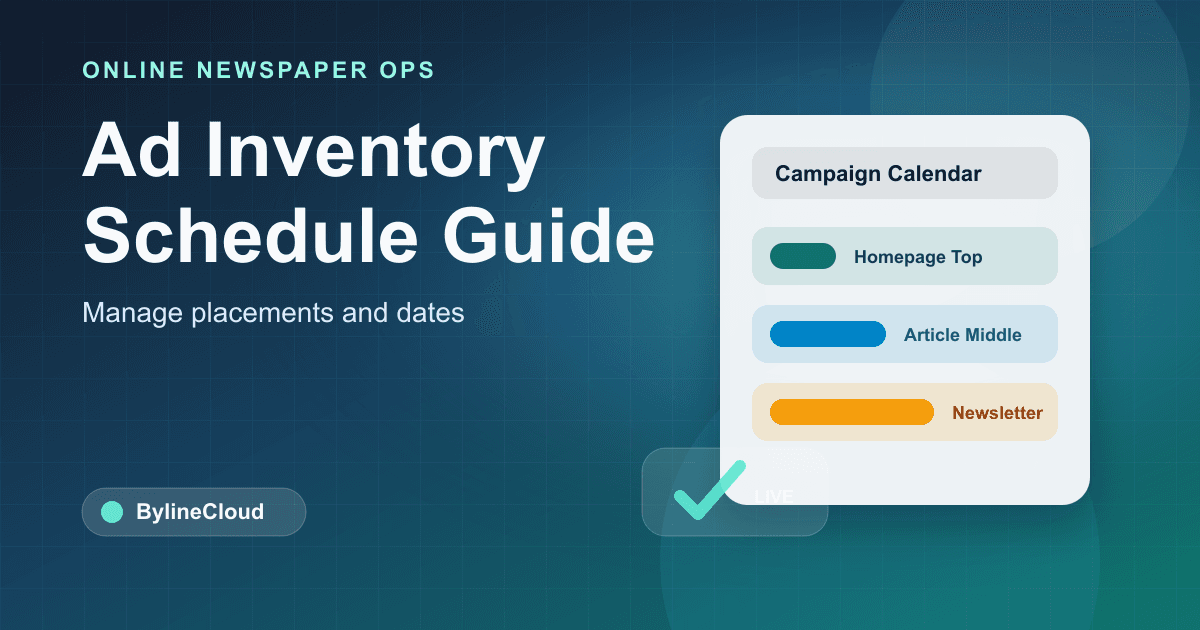
The simplest method is a placement calendar. Put dates across the top and placements down the side. Mark each slot as booked, live, waiting for creative, or ended. Keep the advertiser name, campaign name, destination link, creative file, owner, start date, and end date close to the booking.
Small publications do not need perfect automation on day one. A spreadsheet can be enough. What matters is that sales and editorial operations look at the same source of truth. Advertising becomes messy quickly when promises live in private chats, inboxes, and separate notes.
Use A Pre Launch Check
When the creative arrives, it can be tempting to publish it immediately. That is when small mistakes happen. The image may be the wrong size, the destination link may be broken, or the main text may be unreadable on mobile. Ads look easy to replace, but they involve paid commitments, so they need a repeatable check.
Before launch, review a short list.
- Confirm the image size and file weight match the placement rules
- Open the destination link and check tracking parameters
- View the ad on mobile and make sure key text is readable
- Check whether the creative needs an ad or sponsored label
- Compare the start and end dates with the booking note
- Record the internal owner and advertiser contact
The process does not need to be long. It only needs to be consistent. In a CMS such as BylineCloud, keeping article operations, images, and publishing workflows close together can help the team follow the same handoff even when responsibilities change.
Schedule The End Before Launch
Many ad problems happen at the end of a campaign. A banner stays live after the paid period, the next creative is not ready, a broken placeholder appears, or an old promotion link keeps sending readers to the wrong page. These issues affect advertiser trust and site quality.
When an ad goes live, schedule the ending at the same time. Set a reminder for the day before the end date, confirm removal on the end date, check whether the next creative is ready, and note when the advertiser should receive confirmation or reporting. If the campaign requires a mid period replacement, record the creative delivery deadline separately.
The fewer placements a publication has, the more manual management may seem acceptable. But memory does not scale well. A calendar reminder, shared status field, or internal notification can prevent many missed end dates.
Watch For Editorial Conflicts
Ad placements do not exist outside the editorial product. Major investigations, breaking news packages, event coverage, election pages, and sensitive local stories all affect how ads feel to readers. If advertising schedules are managed without any editorial visibility, the page can feel careless at the exact moment readers are paying attention.
For example, a bright promotional banner may feel inappropriate next to a local emergency package. Election coverage may require stricter review of political or interest group advertising. A deep industry report may need a calmer ad layout so the article remains readable.
The editorial and advertising teams do not need to share every small detail. They should share major packages, sensitive topics, homepage changes, and campaign dates that may affect placement decisions. Advertising is a revenue stream, but it works best when it respects the publication's trust with readers.
Treat Mobile As Its Own Inventory
Mobile ad placements should be managed as separate inventory. A banner that looks polished on desktop may become tiny, distracting, or too close to article controls on a phone. Advertisers want visibility, while readers expect a page they can actually read.
Define mobile locations carefully. Common locations include below the headline, after the first paragraph, mid article, and article footer. Leave enough spacing so readers do not tap by accident. If the site uses sticky mobile ads, check how much screen area they cover and whether the close behavior is clear.
Ask for mobile creative when possible. Text that cannot be read on a phone will not serve the advertiser or the reader. Sharing desktop and mobile specifications at the start reduces last minute replacement requests.
Keep Proof Of Placement
Advertisers need to confirm that their ads ran as promised. A short launch confirmation is often more useful than a vague message saying the ad is live. Include the launch date, placement name, page link, screenshot, destination link, and scheduled end date.
Proof of placement is different from a performance report. A report explains results. Proof of placement records that the publication fulfilled the basic delivery promise. Even for a small campaign, launch and end confirmations make later questions easier to answer.
Choose a storage pattern for these records. Organize files by advertiser, campaign, or month, and use consistent file names. Including the advertiser name, placement name, and start date makes records easier to find later.
Decide When To Replace An Ad Urgently
Ads do not always follow the plan. A link can break, a typo can appear in the creative, an advertiser can change a promotion date, or a sensitive news situation can make an otherwise normal campaign feel inappropriate. The team should know who can decide and how quickly an ad can be changed.
Urgent replacement rules can be simple. If there is a clear error, legal concern, reader confusion risk, or threat to editorial trust, remove the ad first and then confirm the next step. At the same time, not every advertiser preference should override the agreed scope or the publication's standards.
Record the incident. Note when the issue was found, who confirmed it, what changed, and whether the advertiser was notified. These notes improve the next campaign and protect the team from relying on memory.
Start With One Shared Sheet
Ad inventory and schedule management does not have to begin with a large system. A shared table with placement names, booked dates, advertiser names, creative files, destination links, owners, status, and end dates will already reduce many mistakes.
Over time, patterns become visible. The team can see which placements are often empty, which advertisers send creative late, and where handoff mistakes happen. Only then does it make sense to consider deeper automation or dedicated tooling.
BylineCloud helps online newspaper teams manage articles, categories, images, and publishing workflows in a stable environment. For ad placement operations, the same principle applies. The team needs one shared view of the promises it made. Selling the ad matters, but delivering it in the right place for the right period matters just as much.
Start your online newspaper with BylineCloud
We guide you through the entire process, from consultation to launch.
Request Consultation