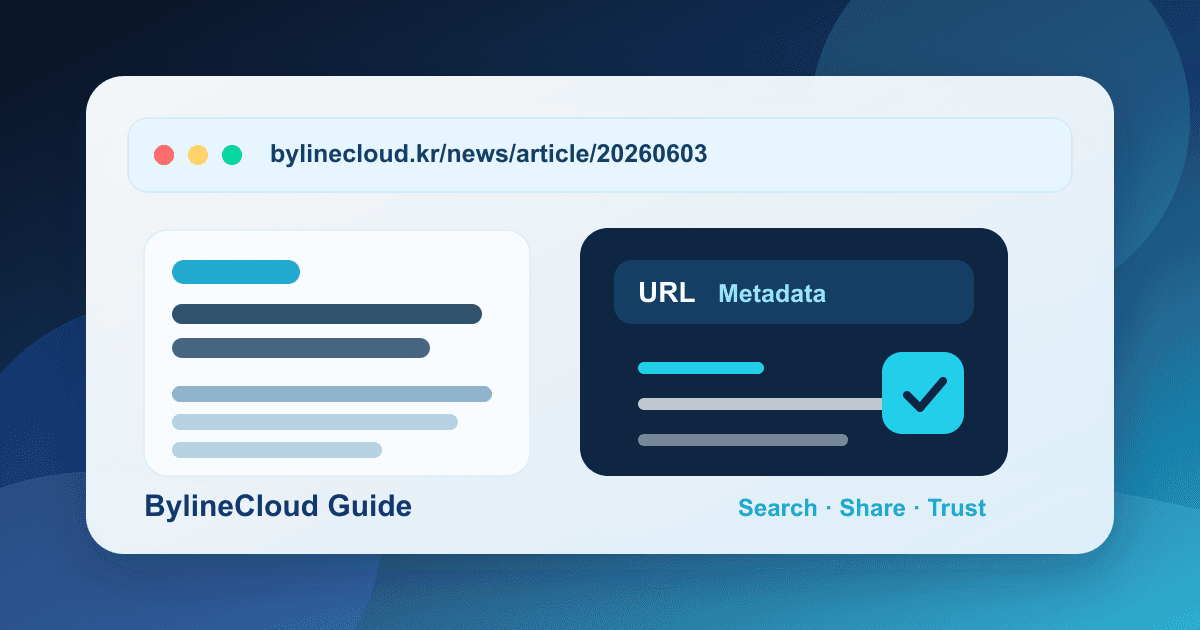
What online newspapers should decide about article URLs and metadata
A practical guide for online newspapers on article URLs, search titles, meta descriptions, cover images, dates, categories, and publishing checks for better search and sharing basics.
When an online newspaper launches, most attention goes to headlines and article copy. But readers often see other signals first: the article URL, search title, short description, cover image, publish date, and update date. If those details are inconsistent, even a strong article can look less trustworthy in search results or shared links.
URLs and metadata may sound technical, but they are newsroom operating standards. Editors need to decide what title appears in search, how updates are recorded, and who checks the image before publishing. This guide explains the practical basics for small and growing online newspapers.
Keep article URLs stable and easy to maintain
An article URL is hard to change once it is public. Readers may share it, search engines may index it, and newsletters may link to it. For that reason, a URL should be stable before it is clever.
Start with a few simple rules.
- Give every article a unique URL
- Use a date, article number, or slug rule to prevent duplicates
- Avoid very long sentence-style URLs
- Do not let a category change break old article links
- Avoid changing published URLs unless there is a strong reason
Decide early whether category names should appear in URLs. If your sections may change often, leaving categories out of URLs can reduce future maintenance. If your publication has a stable beat structure, category-based URLs may be fine. The goal is to avoid decisions that the newsroom will want to reverse later.
Understand the difference between article titles and search titles
The article title is what readers see on the article page. The search title is what may appear in search results, browser tabs, and some shared previews. In many cases they can be the same. But if the article title is very long, conversational, or dependent on context, the search title may need a clearer version.
For example, an interview headline may work well on the article page but need the topic, person, or organization clarified for search. On the other hand, repeating keywords awkwardly can damage trust.
A simple newsroom standard works best.
- Make the topic clear when the title is seen alone
- Use names, organizations, and locations only when useful
- Prefer factual wording over clickbait
- Check that similar articles do not repeat the same title
- Confirm whether the CMS automatically appends the publication name
With a CMS such as BylineCloud, teams can manage the article title and SEO title separately. A practical starting point is to reuse the article title by default and edit the search title only for major features, long headlines, or evergreen guides.
Write descriptions as summaries, not copied first sentences
A meta description is a short summary that may appear in search results or shared previews. Search engines do not always display it exactly as written, but writing one helps the newsroom clarify the article's value.
A useful description does not exaggerate. It tells readers what they will learn if they click. Copying the first sentence often misses the point because many articles begin with background or scene-setting.
Before publishing, ask these questions.
- What is the main fact or practical value of this article
- What will the reader understand after clicking
- Does the description merely repeat the headline
- Is the wording too promotional or evaluative
- Is it so long that it is likely to be cut off
Small teams do not need perfect descriptions for every article on day one. Start with major features, evergreen guides, sponsored-adjacent packages, and articles that will be promoted through newsletters.
Treat cover images as shared-link assets
A cover image is not only decoration inside the article. It may appear in blog lists, portal previews, social posts, messenger cards, and newsletters. Think of it as the article's first visual cover.
Set a few checks before choosing an image.
- Make sure the image is directly related to the article
- Confirm usage rights and source labeling rules
- Check whether the subject is recognizable on small screens
- Avoid exposing sensitive details such as faces, license plates, addresses, or children when inappropriate
- Avoid using the same default image too often
If an article has no suitable image, a publication-level template can help. But using one generic image for every article makes search and shared previews harder to distinguish. Category-level or series-level templates can reduce work while keeping articles recognizable.
Make publish and update dates trustworthy
Articles often change after publication. Typos are fixed, numbers are clarified, follow-up information is added, and correction notices may be issued. The newsroom should decide how publish and update dates are displayed.
A simple standard can look like this.
- Keep the original publish date unchanged
- Show an update date when meaningful content changes
- Keep minor typo fixes in internal records if needed
- Connect factual corrections to the correction notice policy
- Add review or update notes to older evergreen guides
Without a standard, each editor may handle dates differently. This matters especially for legal, policy, grant, pricing, event, and schedule information where freshness changes the value of the article.
Use categories and tags as part of metadata
Categories and tags are not only for internal organization. They help readers find related stories, help the newsroom build newsletters and ad packages, and help search engines understand site structure.
A category is a large drawer. A tag is a smaller label. Keep categories limited and use tags only when they help connect articles. If the same topic is split across several similar tags, future cleanup becomes harder.
If your newsroom already has category and tag rules, align them with URL and metadata standards. For example, a local or specialist publication may decide where region names, industry names, and organization names should appear in titles, tags, and descriptions.
Add a short pre-publish checklist
URL and metadata work does not need to begin as a large SEO project. A short checklist before pressing publish is enough to build good habits.
A practical checklist can include the following.
- Is the article title clear for readers
- Is the search title too long or repetitive
- Does the description summarize the article clearly
- Is the URL unique and stable
- Does the cover image match the article and usage rights
- Do categories and tags follow existing rules
- Are publish date, update date, and scheduled time correct
- Does the shared preview look natural
For a small newsroom, the reporter can check the basics first, while an editor or operator reviews only major stories. Add one line to the checklist whenever a repeated mistake appears.
Prefer consistency over constant changes
Changing URLs and metadata repeatedly is not always helpful. If published URLs change too often, shared links can break and search engines can be confused. If titles and descriptions move away from the actual article content, reader trust can drop.
In the early stage, consistency matters more than advanced optimization. Decide the URL structure, set title and description rules, manage images and dates, and keep the rules stable.
For teams using BylineCloud, it helps to review title, description, cover image, category, tags, and publishing status in one editorial flow. The tool does not replace editorial judgment, but it can help the team avoid missing its own standards.
Small metadata choices shape publishing quality
Before readers open an article, they already see several signals. They see whether the URL looks stable, the title is clear, the description is useful, the image matches the article, and the date feels current. These small details shape the first impression of the publication.
If you are launching an online newspaper, start with operating standards rather than complicated SEO terminology. Keep URLs stable, clarify titles and descriptions, check cover images, and handle dates consistently. Those basics make your publication look more reliable in search, newsletters, and shared links.
Start your online newspaper with BylineCloud
We guide you through the entire process, from consultation to launch.
Request Consultation